Wireframes
Generate detailed wireframes instantly with AI.Visualize before you build. Generate detailed wireframes for every screen instantly, with version history and AI-powered iteration.
Try it now🎨 Why Wireframes Matter
Visual planning is essential. Visual planning catches issues early but is often skipped.Visual planning is essential before coding. Wireframes let you see the layout, structure, and user flow of every screen before you invest time in development. They help catch design issues early, align stakeholders, and ensure your app's UX is intentional from the start.
The problem? Manual wireframing is slow and requires design skills.The problem? Creating detailed wireframes manually is time-consuming and requires design expertise. Most teams either skip this step (leading to costly redesigns mid-development) or spend days or weeks iterating on wireframes in design tools. The disconnect between planning and implementation often leads to rework and delays.
✅ AI-Powered Wireframe Generation
For Founders 🦄
Professional wireframes in minutes, no design skills needed. Minutes instead of days.Get professional wireframes for every screen instantly—no design experience needed. AI generates detailed layouts based on your app structure and requirements. Iterate with natural language feedback until perfect. Minutes instead of days.
For Enterprise Teams 🏢
Consistent, comprehensive wireframes at enterprise speed.Professional quality, enterprise speed.Accelerate wireframe creation while maintaining design consistency. AI generates comprehensive wireframes for every screen in your app structure, ensuring nothing gets missed. Version control, iteration, and refinement without design bottlenecks. Professional quality, enterprise speed.
🚀 Key Features
Complete wireframe generation powered by AI, with full control over every screen.
Per-Screen Generation
Generate screens individually or in batches. Full control.Generate wireframes one by one or in batches. You decide which screens to focus on and when to generate them. Full control over the process.
Detailed Visual Layouts
Detailed layouts with all UI elements mapped out.AI generates comprehensive wireframes with all UI elements mapped out—buttons, forms, navigation, content areas, and more. See exactly how each screen will look before you build.
AI Redo with Feedback
Iterate wireframes with natural language feedback. Iterate in minutes.Request changes for specific screens using natural language: "add a search bar", "move the login button to the bottom", "make it more compact". Iterate in minutes, not days.
MCP Integration
Seamless handoff to development via MCP.Seamless handoff.Wireframes are instantly available in your coding AI agent through our Model Context Protocol (MCP) server. Achieve a seamless handoff to development.
⚙️ How It Works
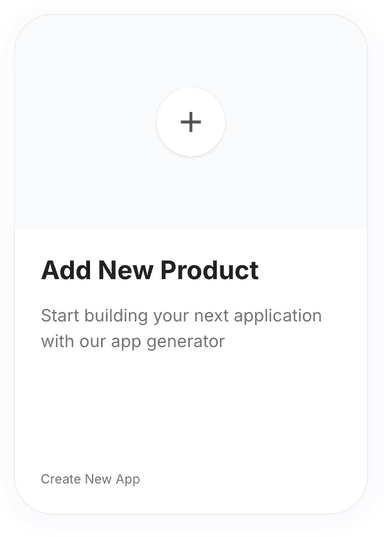
Click 'New Product' on the Products page.
Go to the Products page and click on the 'New Product' button. You will be redirected to the Product Requirements page.
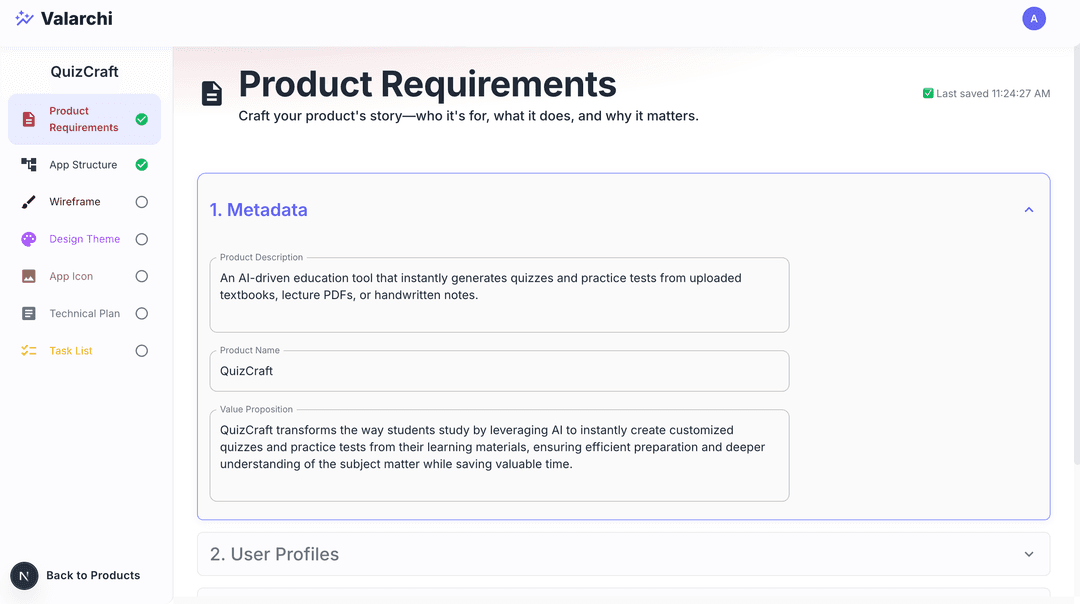
Fill out the product requirements form.
Fill product requirments form. See Product Requirements for detailed instructions. The more detailed the product requirements, the better the app structure will be.
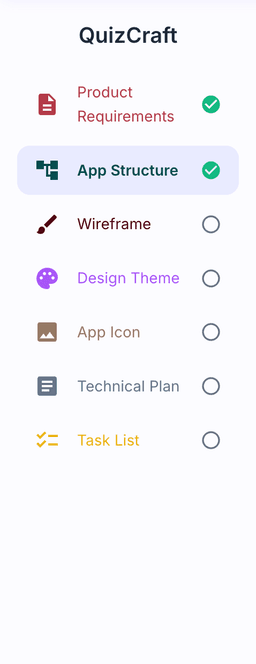
Complete 'App Structure'.
Go to app strcture step by clicking on App Structure on the sidebar, decide the app structure for your product. See App Structure for detailed instructions.
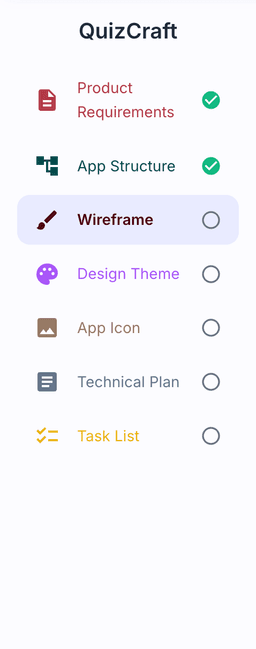
Select 'Wireframes' from the sidebar.
Now proceed to wireframe generation step by clicking on Wireframes on the sidebar. You will be redirected to the wireframe generation page for the first screen.
Click 'Generate with AI' for each screen.
Click on Generate with AI button to generate the wireframe for each screen. Wait for it to finish.

Use 'Redo' to regenerate screens with feedback.
Click on redo button with your feedback to ask AI to regenerate the wireframe for a specific screen


View version history with the 'History' button.
Click on History button to see the version history of the wireframe.Click on any version to view that version of the wireframe.
Resources
Documentation
API Reference