Technical Plan
Generate engineering specs, schemas, and API contracts.Bridge design and code. Generate detailed engineering specifications, database schemas, and API contracts to guide development.
Try it now🔧 Why Technical Plans Matter
There's a gap between design and code. Gaps cause delays.There's a gap between design and code. Your wireframes and design system define what the app looks like, but engineering teams need detailed technical specifications to build it. Database schemas, API contracts, architecture decisions, and implementation details must be clearly defined before development begins.
The challenge? Writing technical specs manually takes weeks.The challenge? Creating comprehensive technical documentation requires deep engineering expertise and significant time. Most teams either skip this step (leading to inconsistent implementations and rework) or spend weeks writing technical specifications manually. The gap between design and code often results in miscommunication and development delays.
✅ AI-Powered Technical Plan Generation
For Founders 🦄
Detailed specs and schemas in minutes, not weeks. Minutes instead of weeks.Get comprehensive technical specifications instantly—no engineering documentation expertise needed. AI generates detailed engineering specs, database schemas, and API contracts based on your design and requirements. Iterate with feedback until perfect. Minutes instead of weeks.
For Enterprise Teams 🏢
Thorough, accurate technical plans at enterprise speed.Professional quality, enterprise speed.Accelerate technical documentation while maintaining thoroughness and accuracy. AI generates comprehensive technical plans with all the specifications your engineering team needs. Version control, iteration, and refinement without documentation bottlenecks. Professional quality, enterprise speed.
🚀 Key Features
Complete technical plan generation powered by AI, bridging design and code seamlessly.
Comprehensive Technical Specifications
Complete technical documentation from design to code. From design to code.Generate detailed engineering specifications to guide development. AI creates complete technical documentation covering architecture, implementation details, and best practices. From design to code, seamlessly.
Database & API Design
Auto-generate schemas and API contracts. Ready for implementation.Create database schemas and API contracts automatically. AI designs your data models and API endpoints based on your product requirements and wireframes. Ready for implementation.
AI Redo with Feedback
Iterate specs with chat feedback until perfect. Iterate until perfect.Refine specific sections via chat feedback: "change DB to PostgreSQL", "add a websocket endpoint for real-time updates". Iterate until perfect.
MCP Integration
Seamless handoff to development via MCP.Seamless handoff.Technical specifications are instantly available in your coding AI agent through our Model Context Protocol (MCP) server. Achieve a seamless handoff to development.
⚙️ How It Works
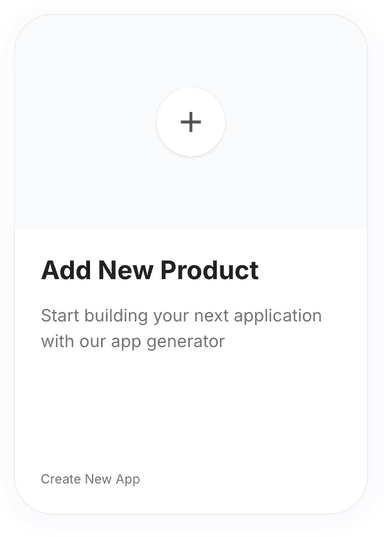
Click 'New Product' on the Products page.
Go to the Products page and click on the 'New Product' button. You will be redirected to the Product Requirements page.
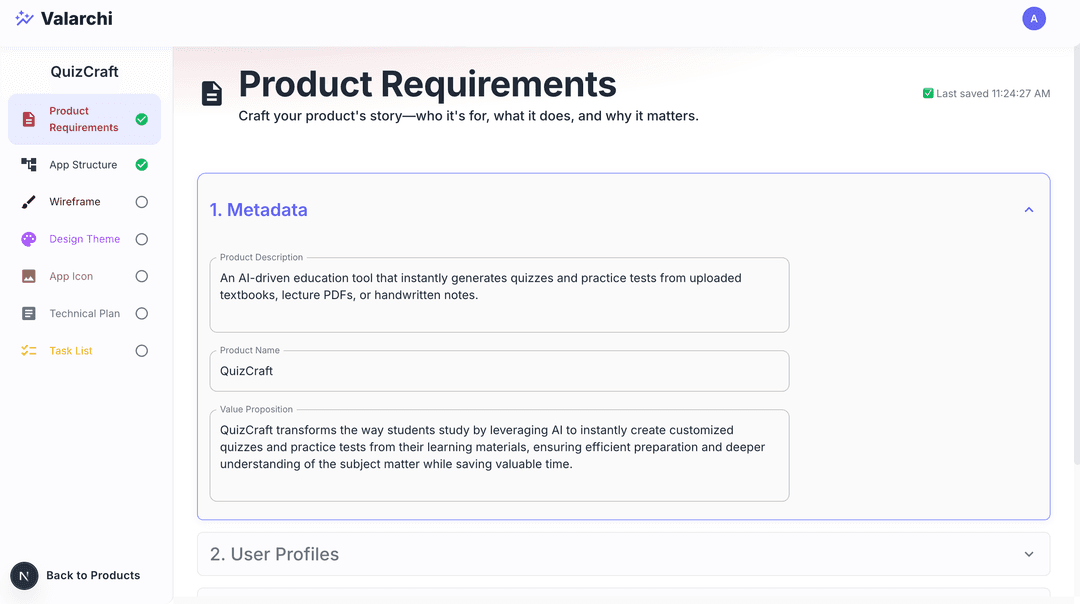
Fill out the product requirements form.
Fill product requirments form. See Product Requirements for detailed instructions. The more detailed the product requirements, the better the technical plan will be.
Complete 'App Structure'.
Go to app strcture step by clicking on App Structure on the sidebar, decide the app structure for your product. See App Structure for detailed instructions.
Complete 'Wireframes'.
Go to wireframes step by clicking on Wireframes on the sidebar, decide the wireframes for your product. See Wireframes for detailed instructions.
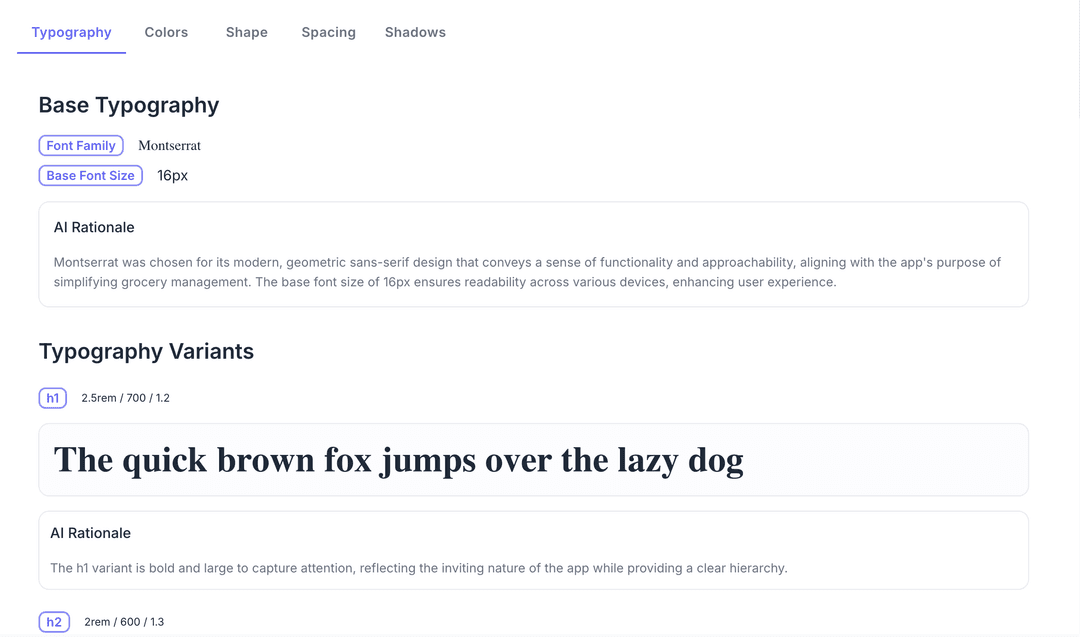
Complete 'Design Theme'.
Go to design theme step by clicking on Design Theme on the sidebar, decide the design theme for your product. See Design Theme for detailed instructions.
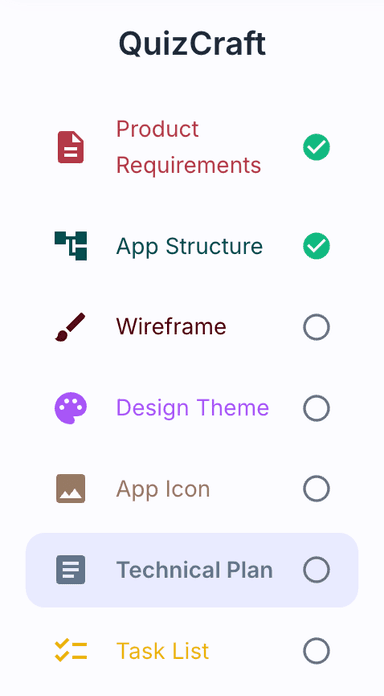
Select 'Technical Plan' from the sidebar.
Now proceed to technical plan step by clicking on Technical Plan on the sidebar. You will be redirected to the technical plan page.
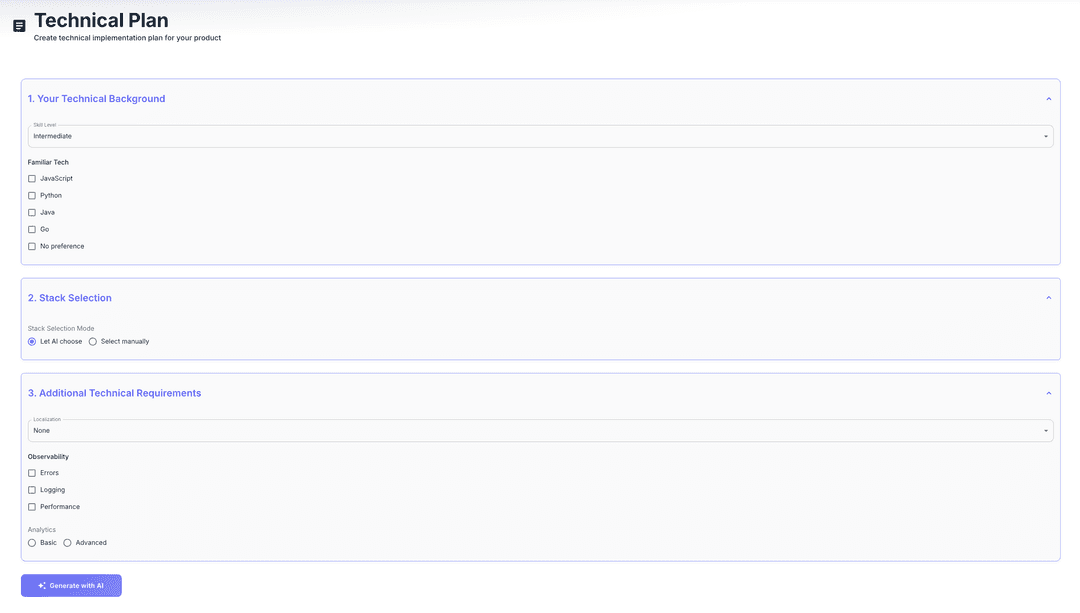
Provide technical details, click 'Generate', and wait.
Provide your technical background, technical stack and other technical requirements. Click on Generate with AI button to generate the technical plan. Wait for it to finish.
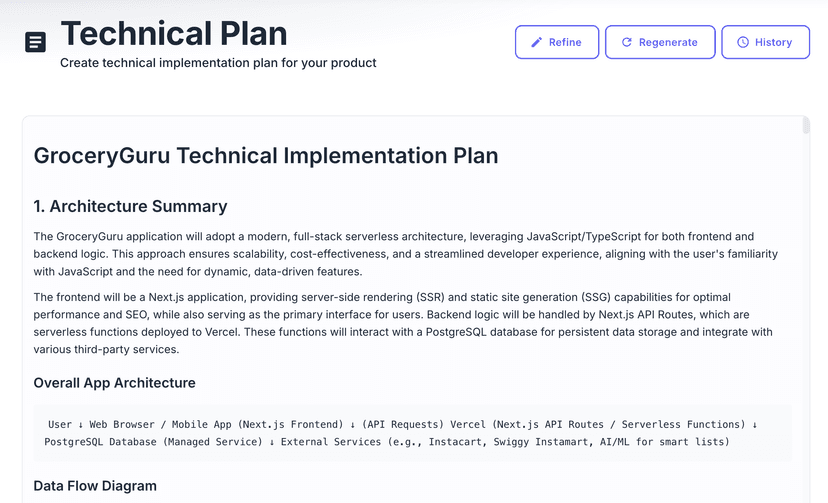
Use 'Refine' to adjust the plan.
Click on refine button and provide feedback to ask AI to refine the technical plan
Regenerate the plan from scratch if needed.
Click on regenerate button to ask AI to regenerate the technical plan from scratch by providing inputs again.
View version history with the 'History' button.
Click on History button to see the version history of the technical plan.Click on any version to view that version of the technical plan.
Resources
Documentation
API Reference