Design Theme
Generate a comprehensive design system tailored to your brand.Establish your brand identity. Generate a comprehensive design system with color palettes, typography, and style tokens tailored to your product's tone.
Try it now🎨 The Design System Challenge
Design tokens are the foundation of consistency. But they are hard to build manually.Design tokens are the foundation of consistent user experience. They're the reusable design decisions that define your brand's visual language. When done right, design tokens ensure every button, every card, every screen feels cohesively part of the same product.
The problem? Manual design systems are slow and require expertise.The problem? Creating a comprehensive design system manually is slow and requires specialized design expertise. Most teams either skip this step (leading to inconsistent branding) or spend weeks iterating to get it right.
✅ AI-Powered Design Systems
For Founders 🦄
Professional design systems in minutes, no expertise needed. Minutes instead of weeks.Get a professional design system without needing design expertise. AI generates complete design tokens—colors tailored to your brand's tone and product requirements. Iterate with natural language feedback until perfect. Minutes instead of weeks.
For Enterprise Teams 🏢
Consistent, enterprise-grade design systems at speed.Professional quality, enterprise speed.Accelerate design system creation while maintaining brand consistency. AI generates comprehensive design tokens based on your product's tone and requirements. Version control, experimentation, and iteration without bottlenecks. Professional quality, enterprise speed.
🚀 Key Features
Professional design systems powered by AI, maintaining complete brand control.
Complete Design Token Generation
Complete design tokens for Professional-grade consistency.AI generates a comprehensive design system with all the tokens you need to establish Professional-grade consistency across every screen.
Brand Tone Alignment
AI aligns design with your brand tone.AI understands your product requirements and generates tones and design for you to choose from. After selecting the tone, AI generates the design tokens for you.
AI Redo with Feedback
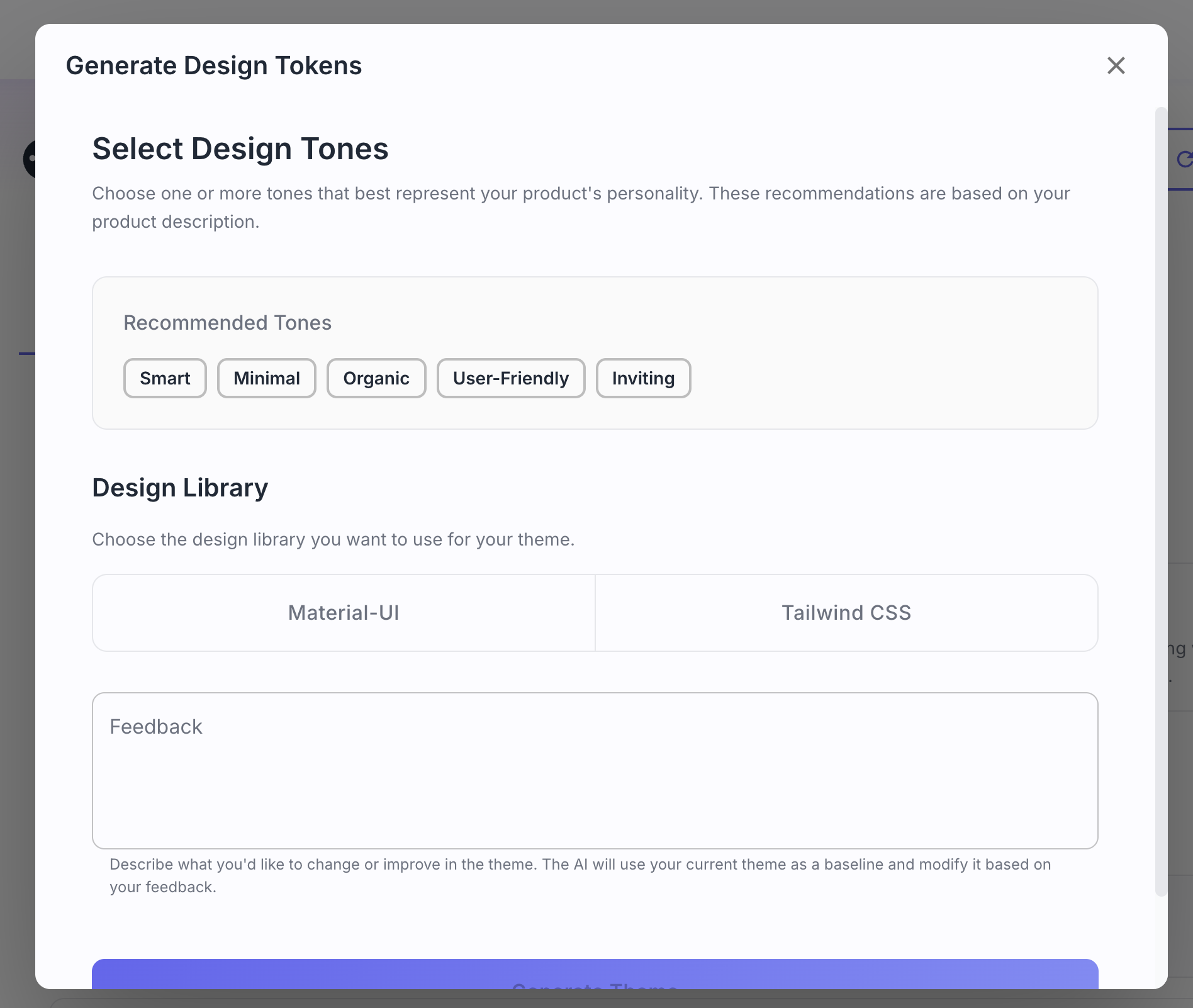
Iterate design with natural language feedback. Iterate in minutes.Not quite right? Provide natural language feedback: "make it more vibrant", "soften the palette", "increase contrast". AI regenerates instantly. Iterate in minutes, not weeks.
Automated Design to Code Handoff
Seamless handoff to code via MCP.Export design tokens directly to your development environment via MCP servers. This ensures a seamless, manual translation-free handoff from design to code.
⚙️ How It Works
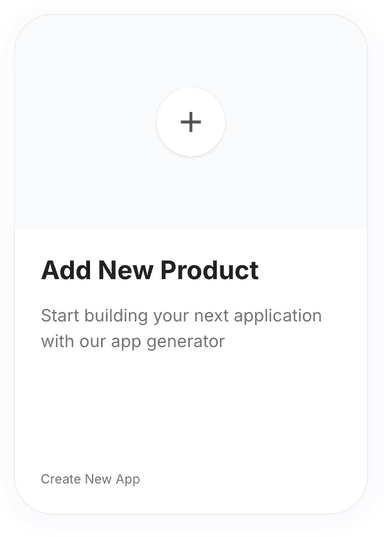
Click 'New Product' on the Products page.
Go to the Products page and click on the 'New Product' button. You will be redirected to the Product Requirements page.
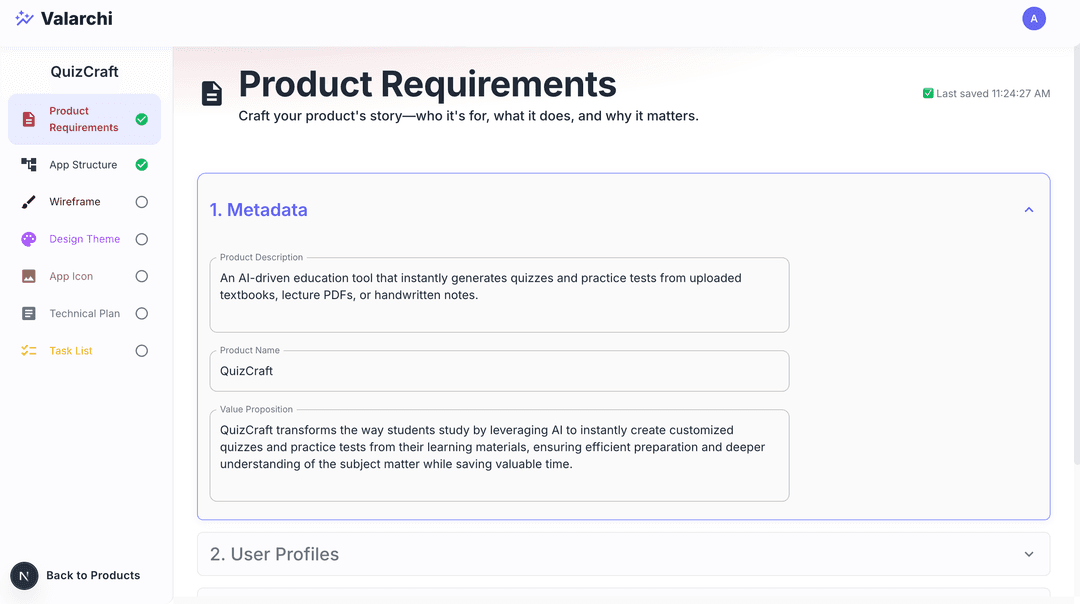
Fill out the product requirements form.
Fill product requirments form. See Product Requirements for detailed instructions. The more detailed the product requirements, the better the design theme will be.
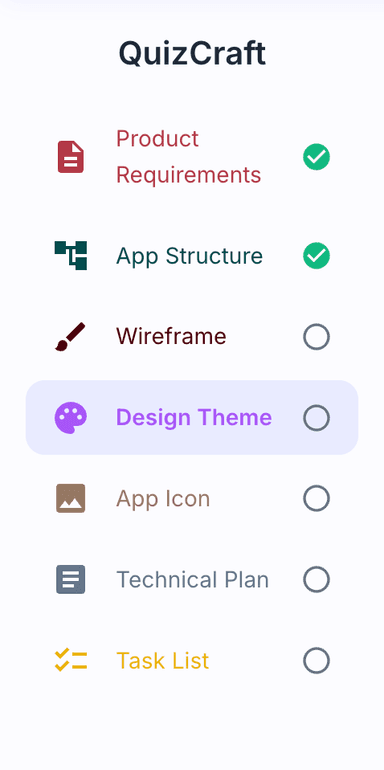
Select 'Design Theme' from the sidebar.
Go to design theme step by clicking on Design Theme on the sidebar. You will be redirected to the design theme page.
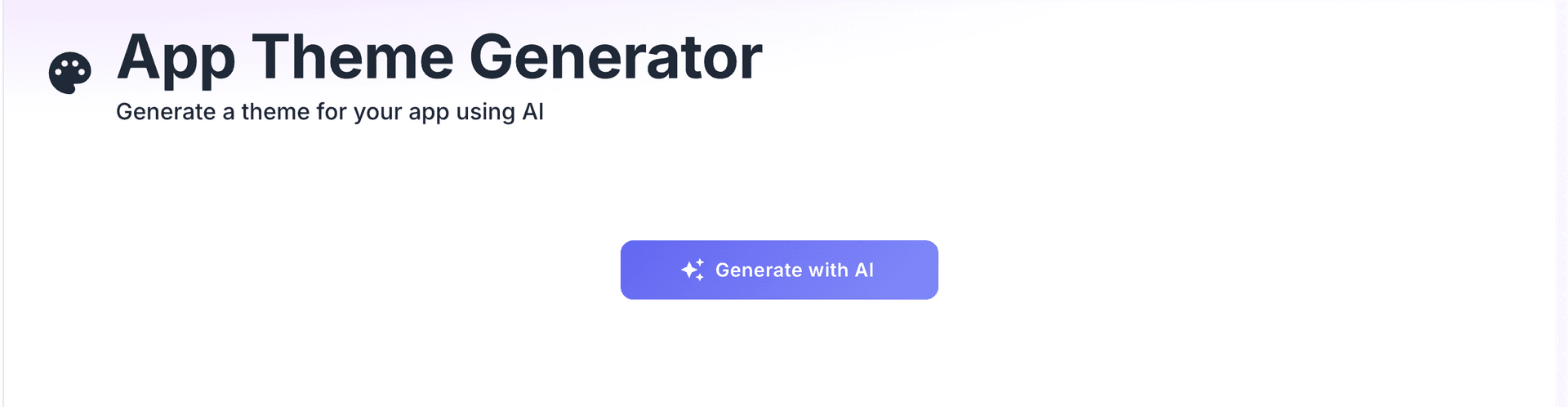
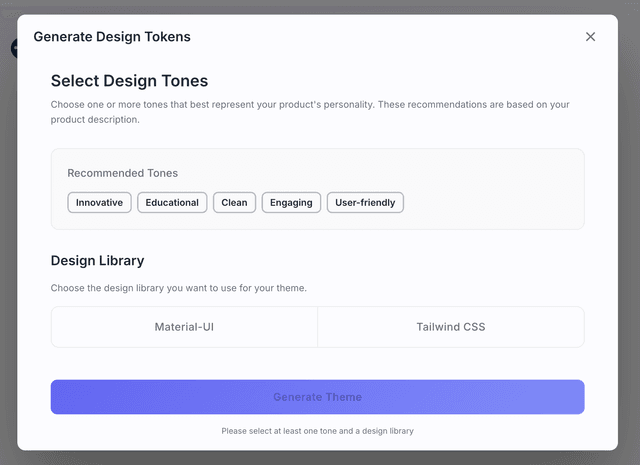
Click 'Generate with AI', pick a tone, and wait.
Click on Generate with AI button to generate the theme. Pick your brand's tone and design intent along with design library. Wait for it to finish.
Use 'Redo' to regenerate with feedback.
Click on redo button with your feedback to ask AI to regenerate the theme.
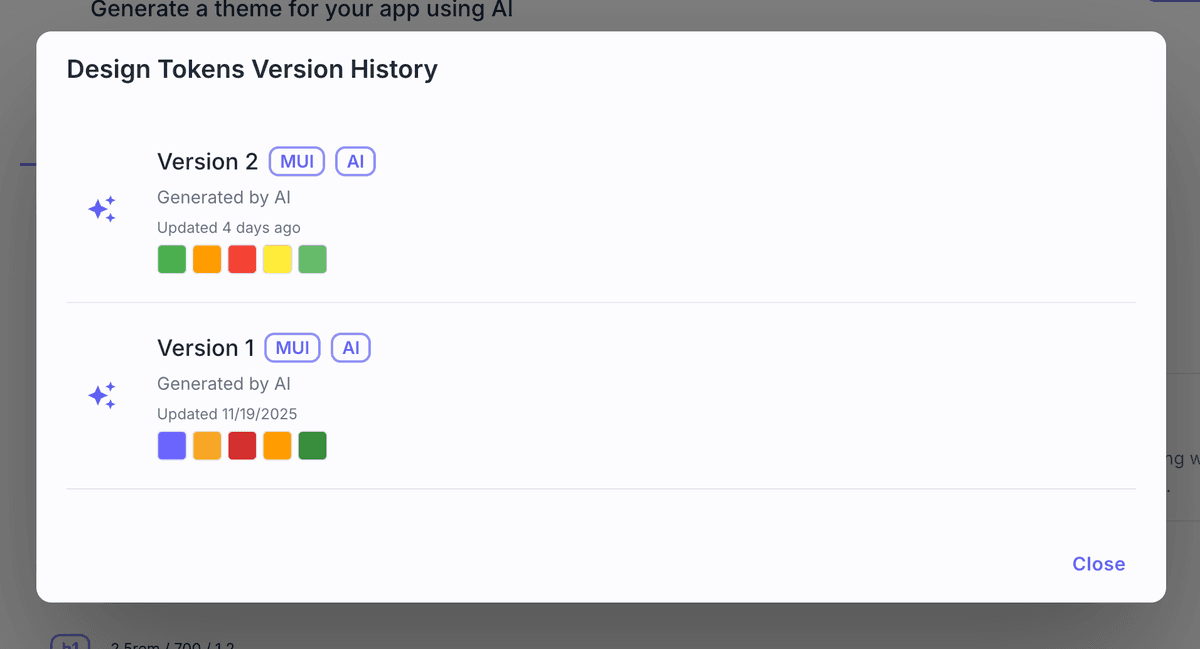
View version history with the 'History' button.
Click on History button to see the version history of the theme.Click on any version to view that version of the theme.
Resources
Documentation
API Reference