App Icon
Generate professional app icons instantly.Make your product stand out. Generate professional app icons with multiple variations and styles.
Try it now🎨 Why App Icons Matter
Your app icon is your first impression. It builds recognition.Your app icon is your first impression. It's the visual representation users see in app stores, on their home screens, and in search results. A well-designed icon communicates your brand's identity, stands out in crowded marketplaces, and builds instant recognition with users.
The challenge? Creating professional icons takes time and design skills.The challenge? Creating professional app icons that capture your brand essence requires design expertise and multiple iterations. Most teams either settle for generic icons (hurting brand identity) or spend significant time and money working with designers to get it right. The icon needs to work at multiple sizes, convey your product's purpose, and align with your design system.
✅ AI-Powered App Icon Generation
For Founders 🦄
Get professional icons instantly. No design skills needed. Minutes instead of days.Get professional app icons instantly—no design experience needed. AI generates multiple icon variations based on your product requirements and design theme. Iterate with natural language feedback until perfect. Minutes instead of days.
For Enterprise Teams 🏢
Accelerate icon creation with brand consistency and enterprise speed.Accelerate app icon creation while maintaining brand consistency. AI generates multiple professional variations aligned with your design system and product requirements. Version control, iteration, and refinement without design bottlenecks. Professional quality, enterprise speed.
🚀 Key Features
Professional app icon generation powered by AI, with multiple variations and full control.
Multiple Variations Generation
Generate multiple variations to find the perfect match. More options, better decisions.Generate multiple icon variations in one go, giving you options to choose from. Each generation produces several styles so you can find the perfect match for your brand. More options, better decisions.
Brand Alignment
Icons aligned with your brand and product tone. Cohesive brand experience.Icons generated based on your product requirements and design theme, ensuring consistency with your brand. AI understands your product's tone and visual identity. Cohesive brand experience.
AI Redo with Feedback
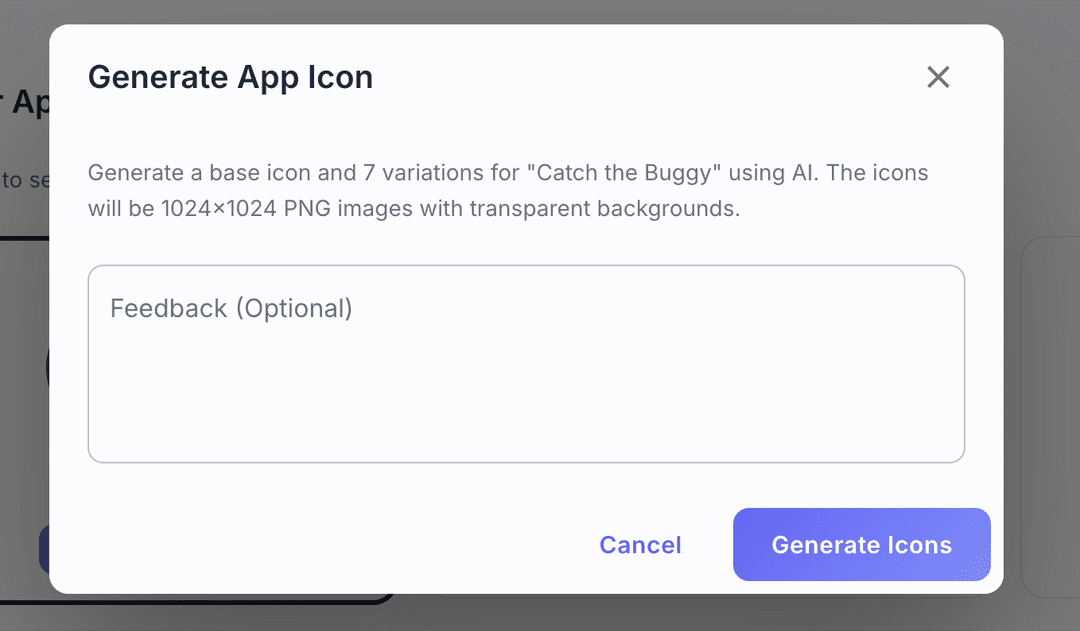
Iterate with natural language feedback in minutes. Iterate in minutes, not days.Request new variations with specific visual instructions using natural language: "minimalist geometric style", "blue gradient background", "more vibrant colors". Iterate in minutes, not days.
AI coding agent integration
Seamless handoff to development via MCP.Your coding AI agent automatically pulls generated icons directly into your code using our Model Context Protocol (MCP). Achieve a seamless handoff to development.
⚙️ How It Works
Click 'New Product' on the Products page.
Go to the Products page and click on the 'New Product' button. You will be redirected to the Product Requirements page.
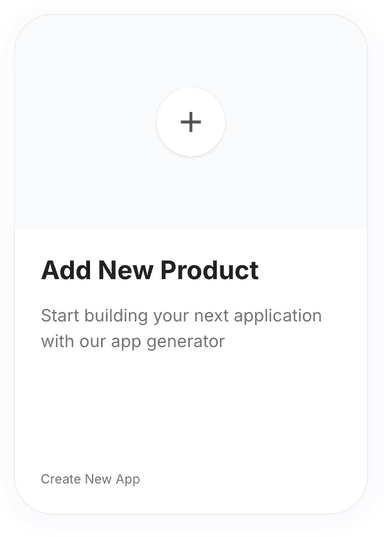
Fill out the product requirements form.
Fill product requirments form. See Product Requirements for detailed instructions. The more detailed the product requirements, the better the app icon will be.
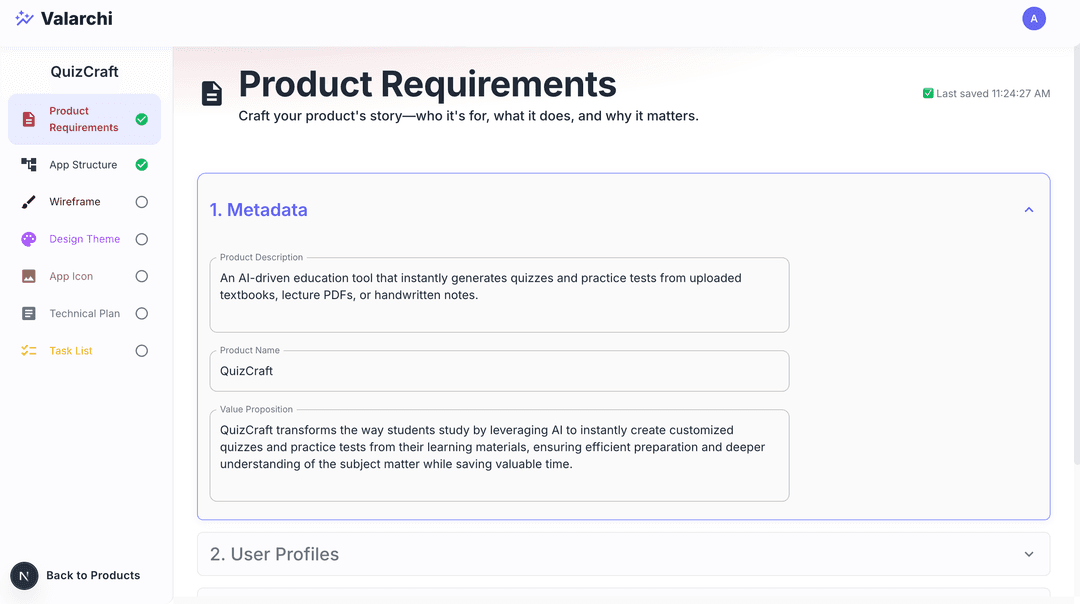
Select 'App Icon' from the sidebar.
Go to app icon step by clicking on App Icon on the sidebar. You will be redirected to the app icon page.
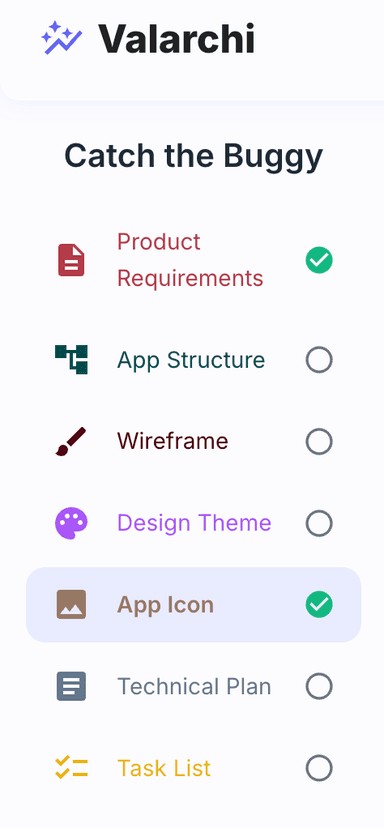
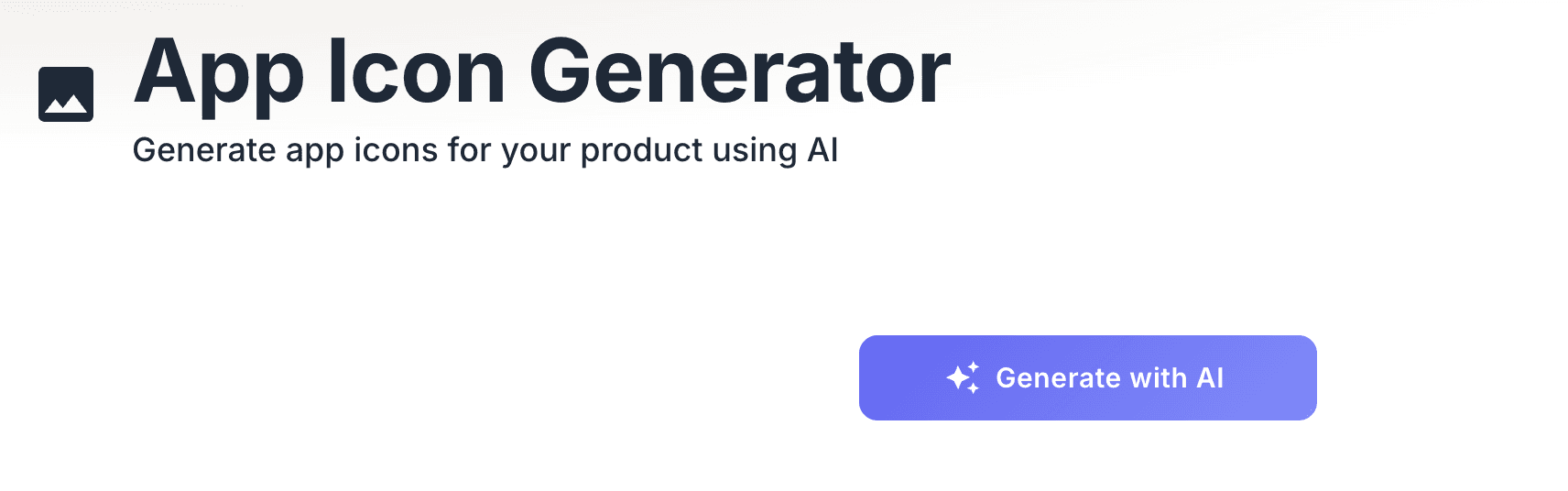
Click 'Generate with AI' and wait.
Click on Generate with AI button to generate the app icon. Wait for it to finish.
Select an icon to save it automatically.
Select a icon from the list of generated icons. The selected icon will be saved automatically.
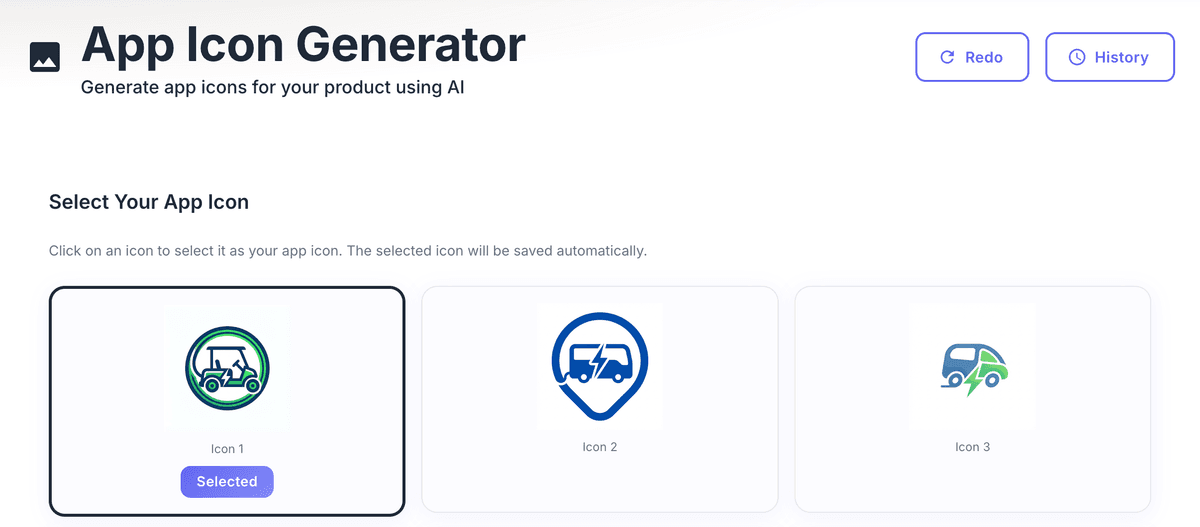
Use 'Redo' with feedback to regenerate icons.
Click on redo button with your feedback to ask AI to regenerate a new list of icons.
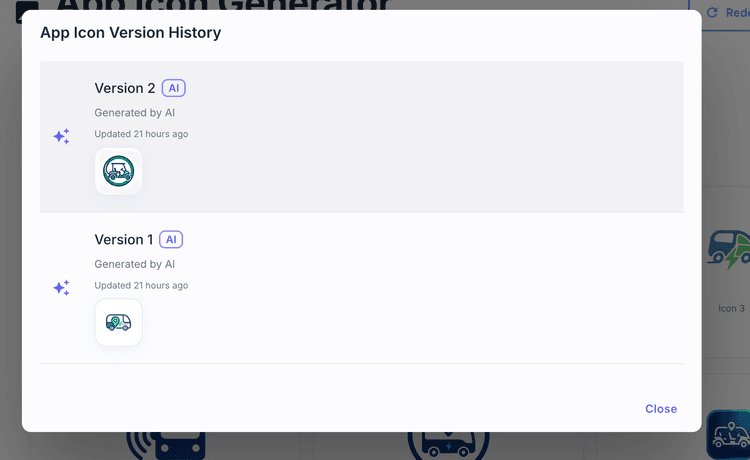
View version history with the 'History' button.
Click on History button to see the version history of the app icon.Click on any version to view that version of the app icon.
Resources
Documentation
API Reference