App Structure
AI generates your complete app structure and user flows.From requirements to structure in minutes. AI generates your complete information architecture—every screen, user flow, and navigation path mapped out automatically. The foundation of great UX starts here.
Try it now📐 Why Information Architecture Matters
Information Architecture: The Invisible Backbone. Great products need clear navigation maps before coding.Information Architecture: The Invisible Backbone of Great UX. Great products offer easy, intuitive navigation. Achieving this requires a clear map of every screen, user flow, and navigation path—the Information Architecture (IA)—which must be finalized before designing the UI or writing any code
The problem? Manual IA is slow. Skipping it leads to costly rework.The problem? Teams either risk confusing navigation and endless, costly rework by skipping IA, or they sink weeks into tedious, manual work. Traditional IA work is slow, hard to visualize, and totally disconnected from your final implementation.
✅ AI-Powered Architecture in Minutes
For Founders 🦄
Generate complete screen maps and user flows instantly. Refine in minutes.Turn your defined product requirements into a complete screen map and user flow diagram instantly. Our AI generates every screen and flow your app needs—no UX experience required. Refine the result with simple, conversational feedback and deliver in minutes instead of days.
For Enterprise Teams 🏢
Get comprehensive, enterprise-grade IA in minutes. Iterate rapidly.Eliminate tedious IA workshops and Miro boards. Our AI instantly delivers comprehensive Information Architecture with the exact rigor your enterprise team demands: complete screen inventories, detailed user flow diagrams, and validated navigation hierarchies. Get perfect results in minutes, then iterate rapidly with simple feedback.
🚀 Key Features
Complete information architecture tools powered by AI, controlled by you.
Screen-by-Screen Generation
AI generates every screen and flow. Nothing forgotten.AI generates every screen and user flow your app needs based on your requirements—login, onboarding, core features, settings, and edge cases. Nothing gets forgotten.
MCP Integration
Seamless handoff to coding agent via MCP.Seamless handoff.Screens and user flows are instantly available in your coding AI agent through our Model Context Protocol (MCP).Achieve a seamless handoff to development.
Direct Editing
Full control to edit screens and flows. No code needed.Click to add, remove, or modify any screen or flow directly. Full control to shape the architecture as you see fit. No technical knowledge required.
AI Redo with Feedback
Iterate structure with natural language feedback. Iterate in minutes.Refine your structure with natural language: "add a settings flow", "simplify onboarding", or "add social sharing". Iterate in minutes, not weeks.
⚙️ How It Works
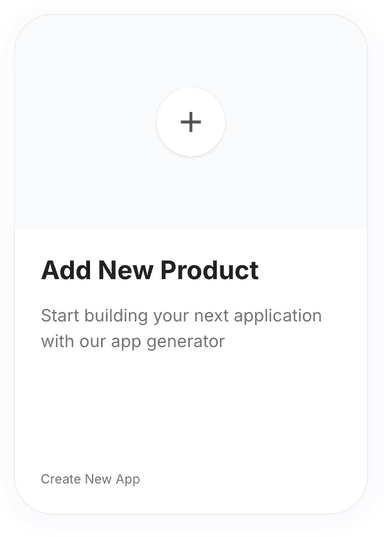
Click 'New Product' on the Products page.
Go to the Products page and click on the 'New Product' button. You will be redirected to the Product Requirements page.
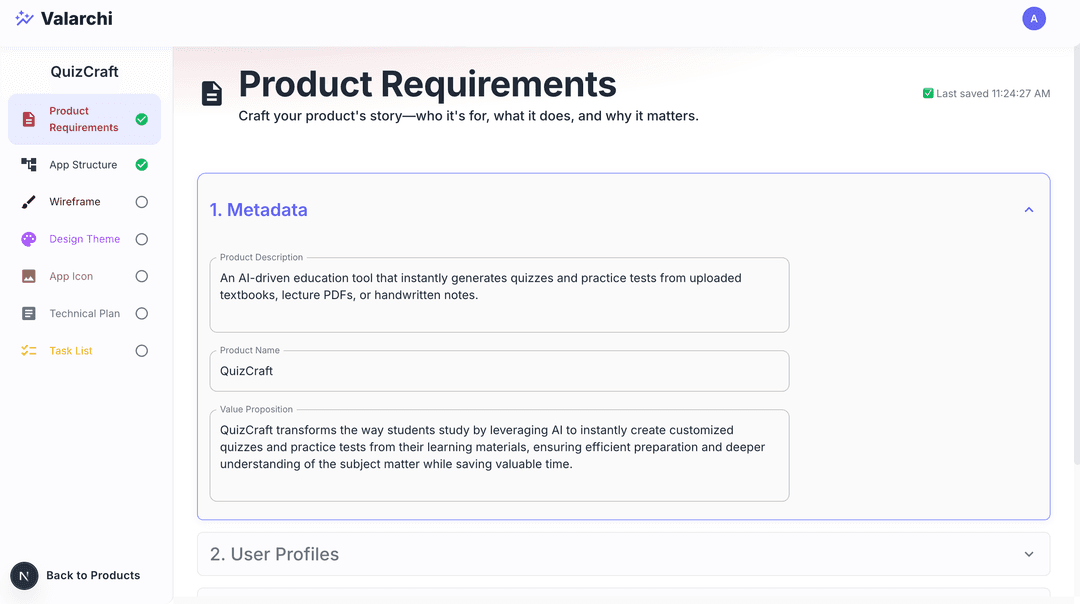
Fill out the product requirements form.
Fill product requirments form. See Product Requirements for detailed instructions. The more detailed the product requirements, the better the app structure will be.
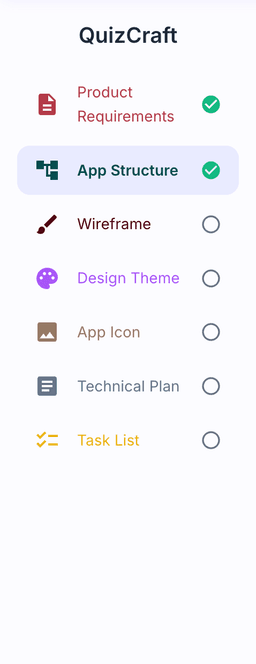
Select 'App Structure' from the sidebar.
Click App Structure on the sidebar to go to the app structure step.
Click 'Generate AI' and wait for completion.
Click on Generate AI button to generate the app structure.AI will generate screens and user flows one by one. Wait for it to finish.

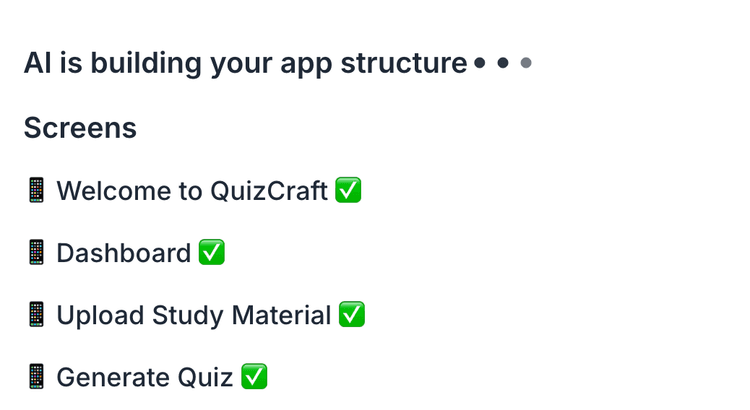
Scroll to view generated screens and flows.
Scroll down to see the generated screens and user flows.
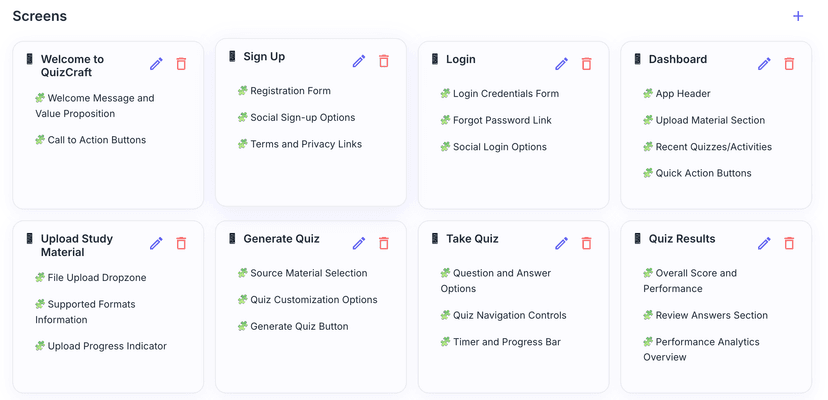
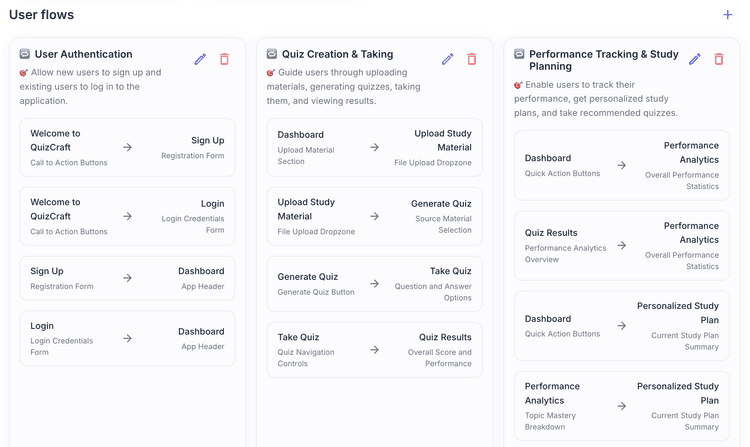
Tap screen cards for details.
Click on each screen card to see the details.
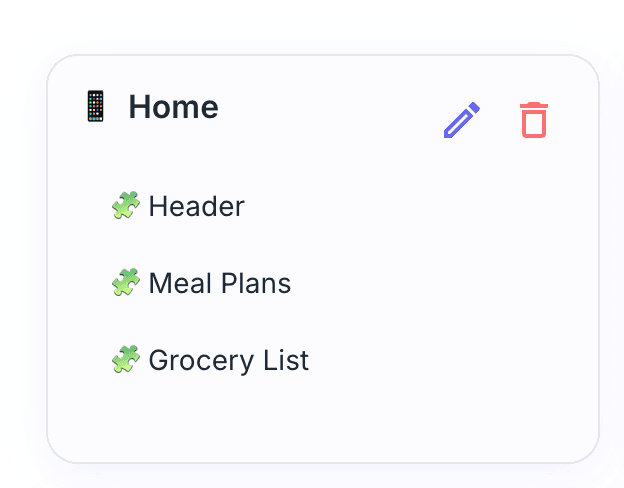
Add, edit, or delete screens using the icons.
Each screen can be added, deleted or modified. Click on edit/delete icon to manually edit/delete individual screens. click on add icon at top of screens section to add new screen.
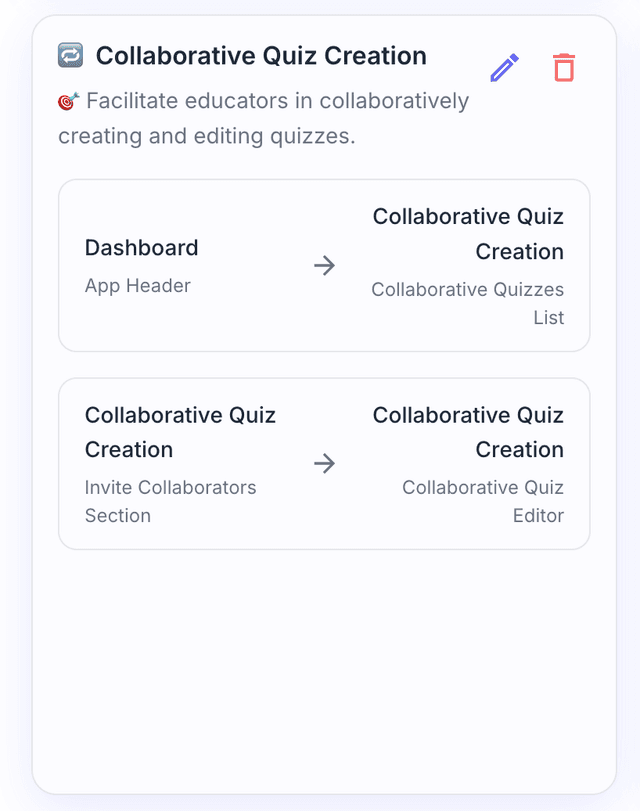
Add, edit, or delete user flows manually.
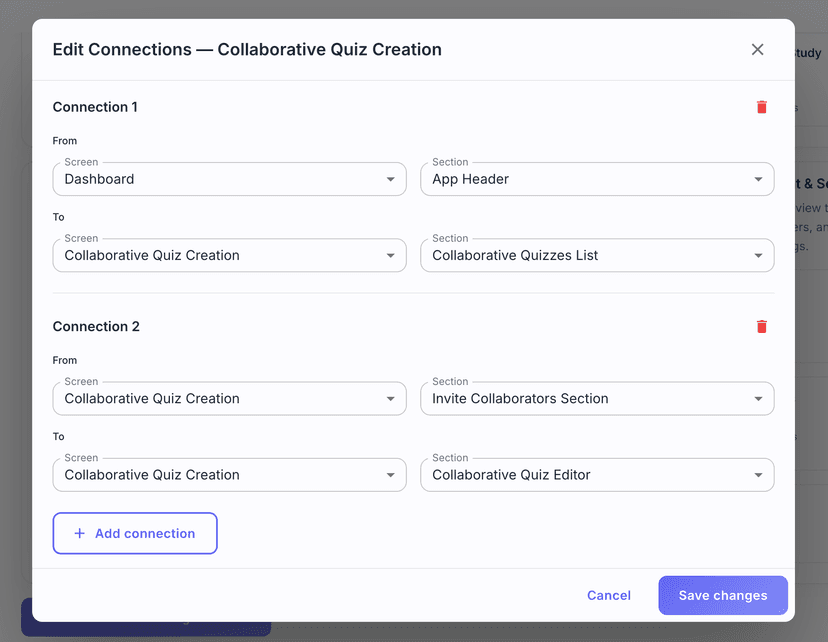
Each user flow can be added, deleted or modified. Click on edit/delete icon to manually edit/delete individual user flows. click on add icon at top of user flows section to add new user flow. /n You can only select screens and sections that are already created.
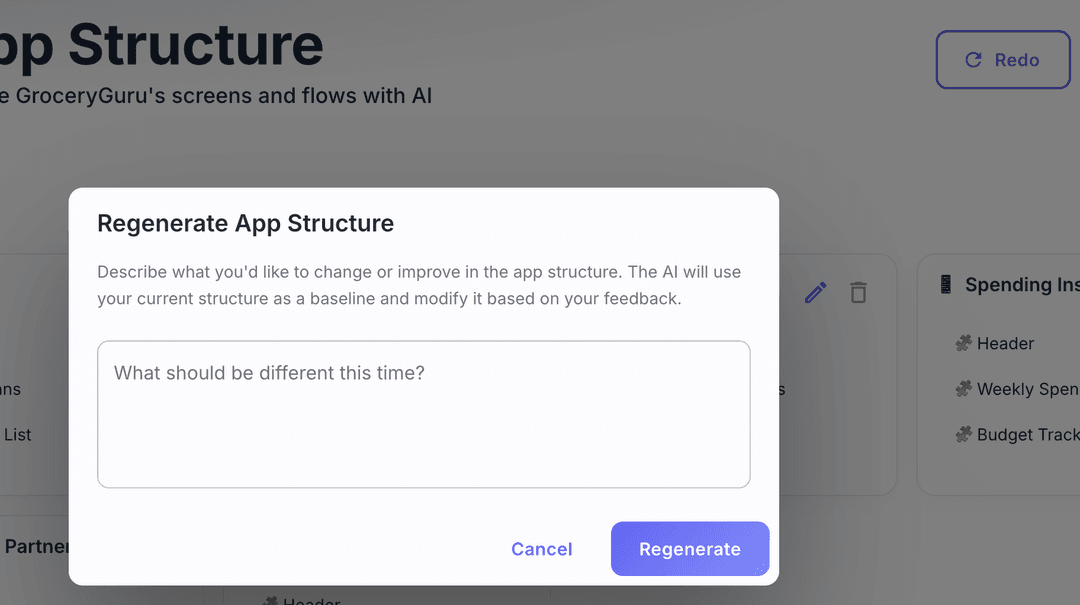
Use 'Redo' to regenerate structure with feedback.
Click on Redo button with your feedback to ask AI to regenerate the app structure.
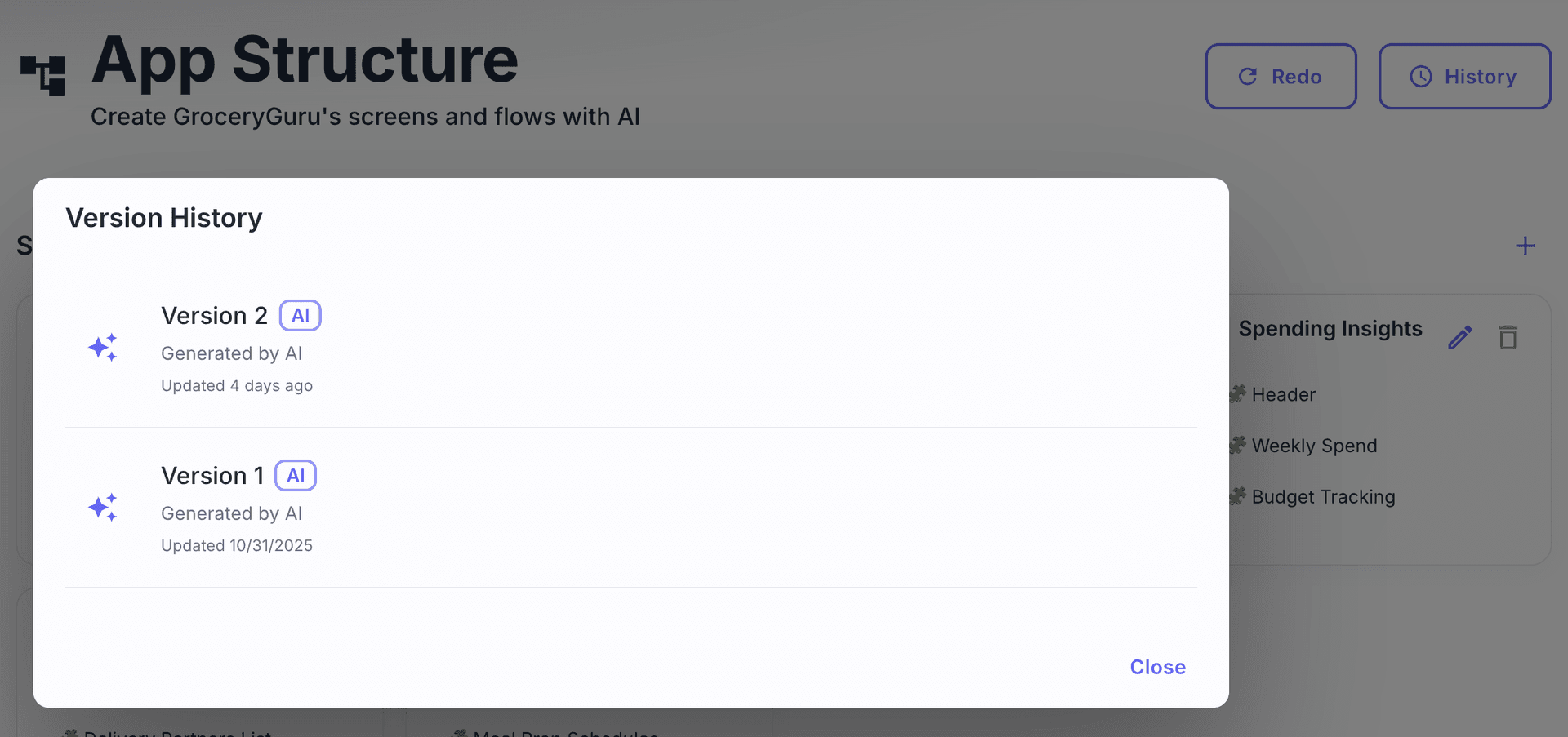
View version history with the 'History' button.
Click on History button to see the version history of the app structure.CLick on any version to view that version of the app structure.
Resources
Documentation
API Reference