Task List
Turn plans into actionable tasks for your team.Execute with precision. Turn technical plans into actionable, prioritized task lists for your engineering team to track and complete.
Try it now📋 Why Task Lists Matter
Execution starts with clear, actionable tasks. But organizing them is hard.Execution starts with clear, actionable tasks. Turning technical plans into organized, prioritized task lists is crucial for engineering teams. Well-structured tasks help teams understand what needs to be done, in what order, and how to track progress effectively.
The challenge? Manual task creation is time-consuming and error-prone.The challenge? Breaking down technical plans into actionable, prioritized tasks requires careful analysis and organization. Most teams either create tasks manually (time-consuming and error-prone) or struggle with proper prioritization and task organization. The complexity of tracking and managing development tasks across the entire project can lead to missed deadlines and scope creep.
✅ AI-Powered Task List Generation
For Founders 🦄
Prioritized task lists in minutes, no PM expertise needed. Minutes instead of hours.Get organized, prioritized task lists instantly—no project management expertise needed. AI breaks down your technical plans into actionable tasks, properly prioritized and organized. Iterate with feedback until perfect. Minutes instead of hours.
For Enterprise Teams 🏢
Comprehensive task lists with enterprise efficiency.Professional organization, enterprise efficiency.Accelerate task breakdown while maintaining proper organization and prioritization. AI generates comprehensive task lists from technical plans, ensuring nothing gets missed. Version control, iteration, and refinement without project management bottlenecks. Professional organization, enterprise efficiency.
🚀 Key Features
Complete task list generation powered by AI, with full control and seamless integration.
Actionable Task Breakdown
Actionable tasks from technical plans, instantly. From plan to action.Turn technical plans into actionable, prioritized task lists for your engineering team. AI analyzes your technical specifications and creates organized tasks that are ready to execute. From plan to action, instantly.
AI Redo with Feedback
Re-organize tasks with natural language feedback. Iterate until perfect.Re-organize or break down tasks differently based on feedback: "break down the frontend tasks into smaller subtasks", "prioritize authentication tasks". Iterate until perfect.
Task Completion Tracking
Track implementation progress for every task.Track the status of each task as it is being implemented. You can mark a task as completed when you have completed the task.
MCP Server Integration
Seamless handoff to AI code editor via MCP.Seamless handoff.Pass requirements to your AI code editor through MCP server for seamless execution. Get prompts ready for your AI code editor and execute tasks directly. Seamless handoff to development.
⚙️ How It Works
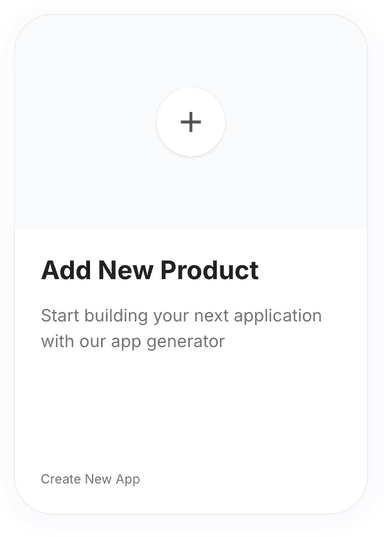
Click 'New Product' on the Products page.
Go to the Products page and click on the 'New Product' button. You will be redirected to the Product Requirements page.
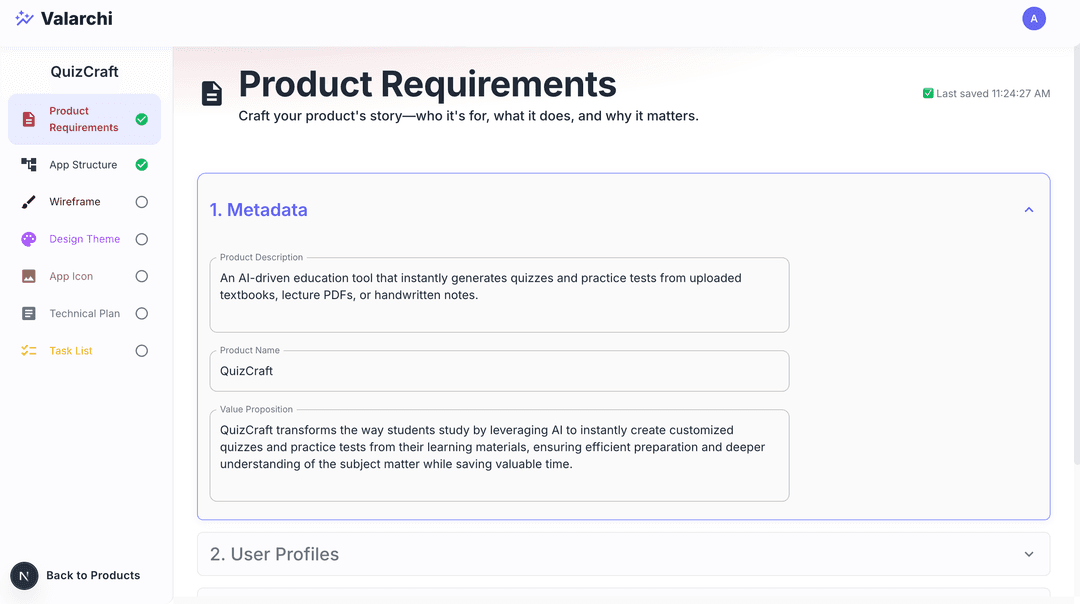
Fill out the product requirements form.
Fill product requirments form. See Product Requirements for detailed instructions. The more detailed the product requirements, the better the task list will be.
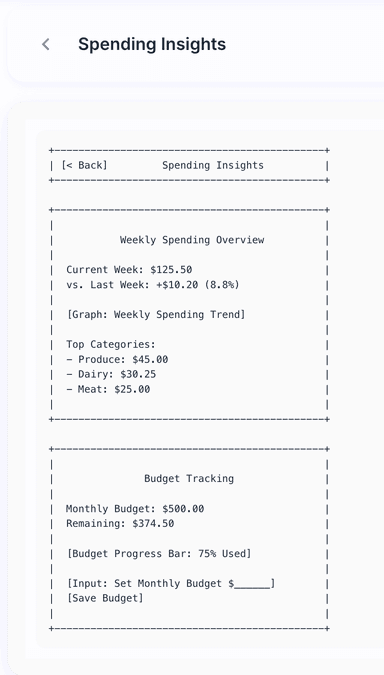
Complete 'App Structure'.
Go to app strcture step by clicking on App Structure on the sidebar, decide the app structure for your product. See App Structure for detailed instructions.
Complete 'Wireframes'.
Go to wireframes step by clicking on Wireframes on the sidebar, decide the wireframes for your product. See Wireframes for detailed instructions.
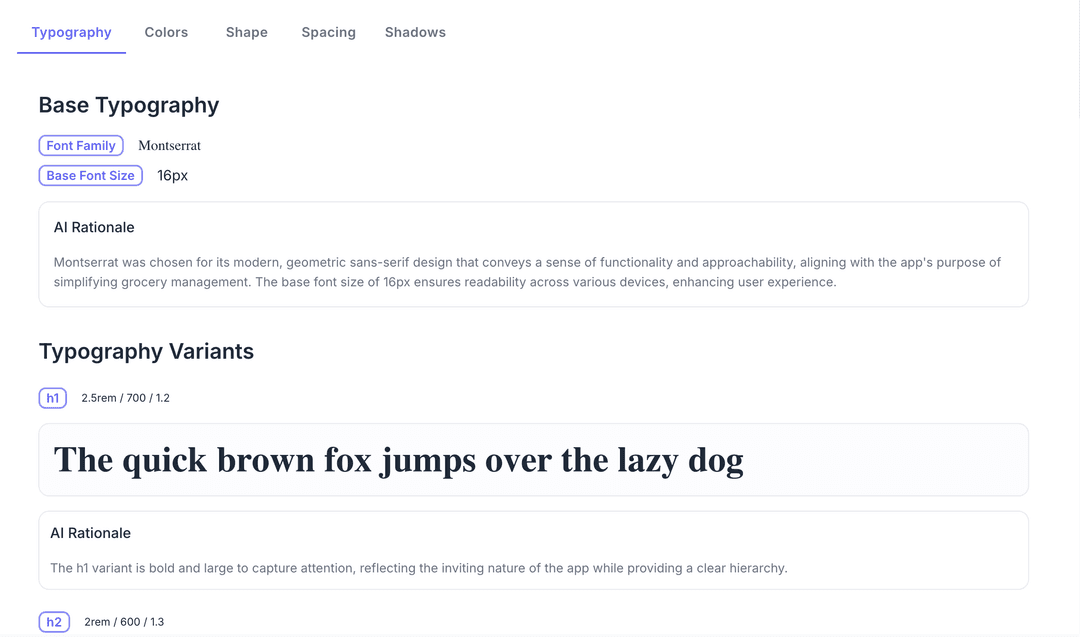
Complete 'Design Theme'.
Go to design theme step by clicking on Design Theme on the sidebar, decide the design theme for your product. See Design Theme for detailed instructions.
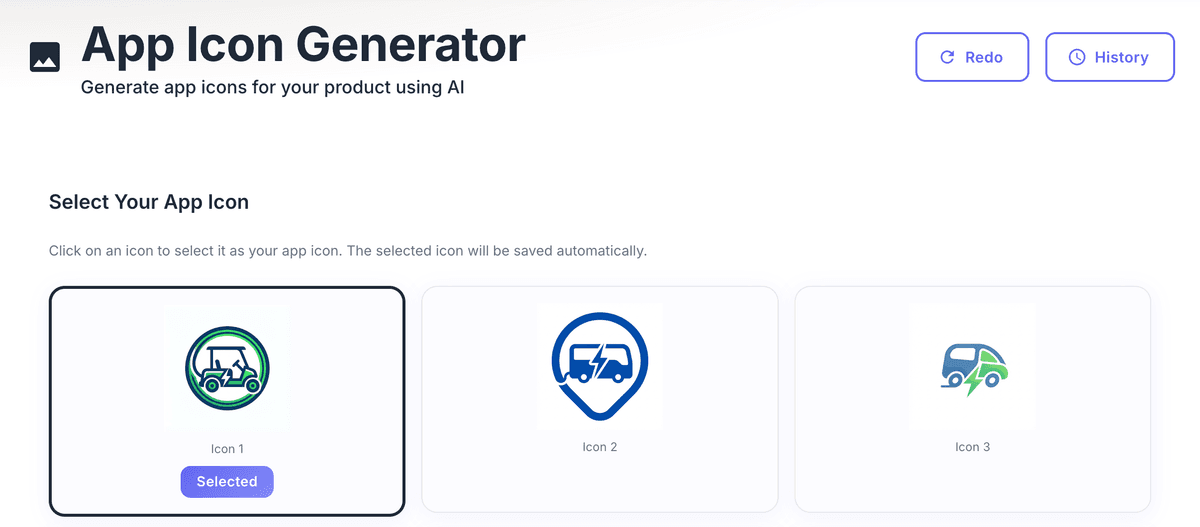
Complete 'App Icon'.
Go to app icon step by clicking on App Icon on the sidebar, decide the app icon for your product. See App Icon for detailed instructions.
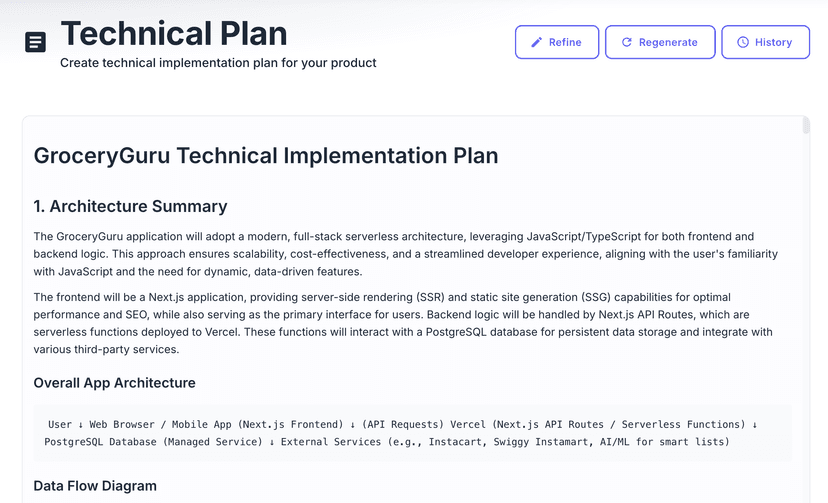
Complete 'Technical Plan'.
Go to technical plan step by clicking on Technical Plan on the sidebar, decide the technical plan for your product. See Technical Plan for detailed instructions.
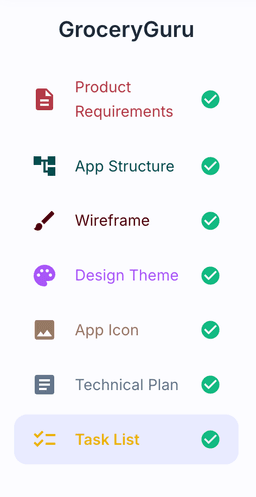
Select 'Task List' from the sidebar.
Now proceed to task list step by clicking on Task List on the sidebar. You will be redirected to the task list page.
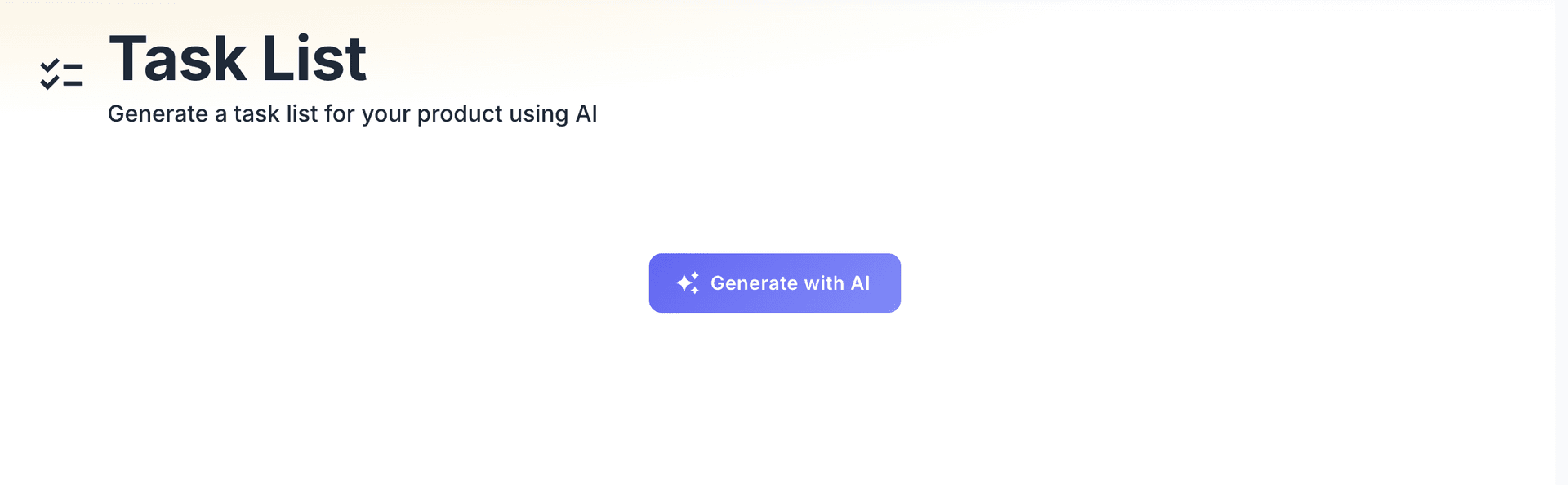
Click 'Generate with AI' and wait.
Click on Generate with AI button to generate the task list. Wait for it to finish.
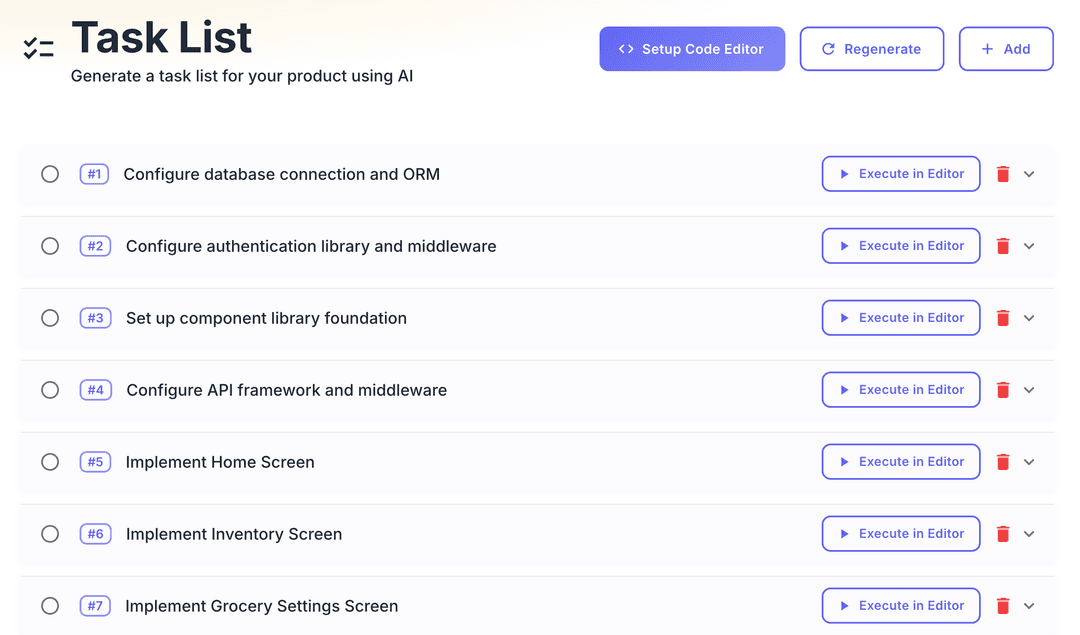
Use 'Refine' to adjust tasks with feedback.
Click on refine button and provide feedback to ask AI to refine the task list
Regenerate tasks from scratch if needed.
Click on regenerate button to ask AI to regenerate the task list from scratch by providing inputs again.
Click 'Setup Code Editor' to pass tasks via MCP.
Once you have task list finalized, Click on setup code editor to pass requirements to your AI code editor through MCP server.
Tap tasks to see details.
Click on a task to see task details.
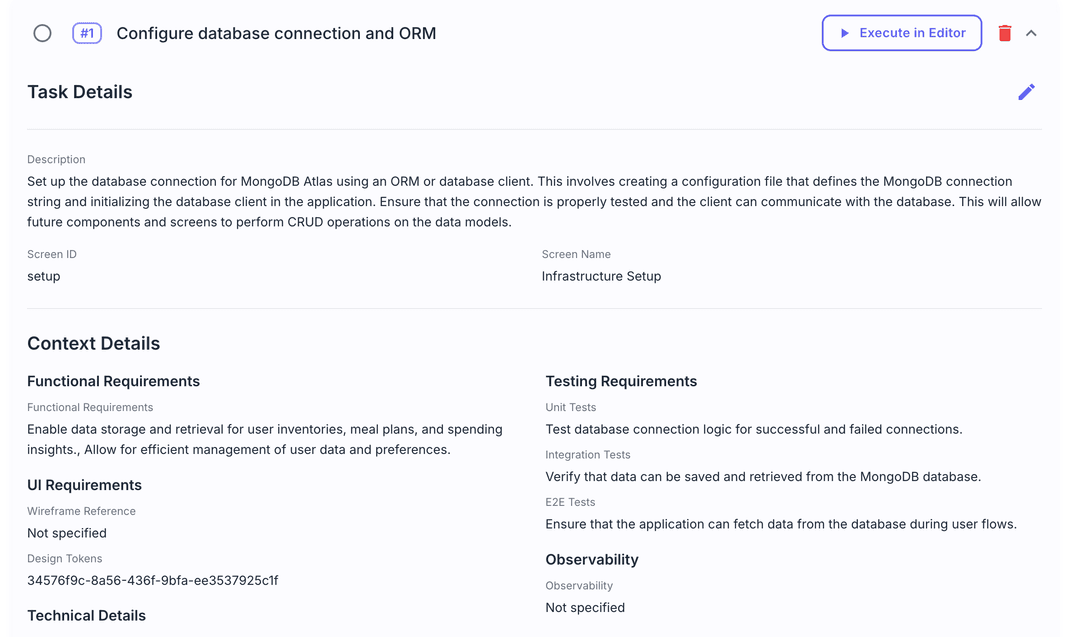
Use 'Execute in Editor' to get prompts.
Click on execute tasks button to execute in editor button to get prompt for your AI code editor.
Mark tasks as complete.
Click on radio button on a task when you have completed the task.
Resources
Documentation
API Reference